
General Settings
Overview
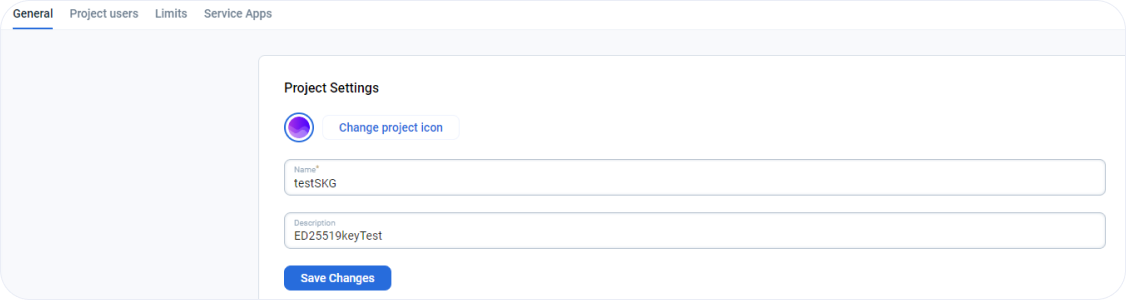
This page allows users to view and change project settings like project names and project descriptions.
How do I change the name, icon and description of my project? - FAQ
Page navigation — Click on “All Projects“ and navigate to your project. Click on the “Settings” link in the sidebar on the left.
You can change the name of the project and the project icon. You can choose to give a meaningful text for the project description.
Watch the video about all project settings
How is this guide?
Last updated on 26 Aug 2026